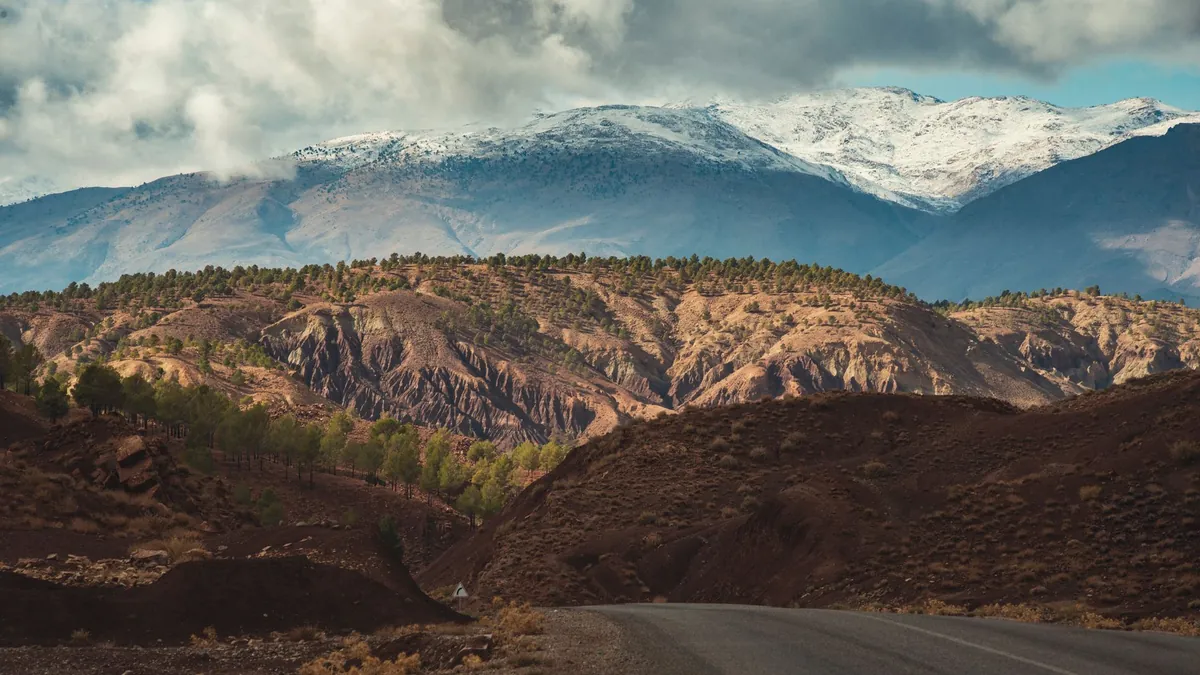
Hiking the Atlas Mountains is a bucket-list adventure, but staying connected can be a challenge. Whether you need GPS navigation, weather updates, or simply want to share your summit selfie, reliable internet is essential. This guide covers the best ways to get online while trekking Morocco's highest peaks — including why a Morocco eSIM is the smartest choice for unlimited data without roaming fees.
Why Connectivity Matters on an Atlas Trek
The Atlas Mountains stretch over 2,500 km, with peaks like Toubkal (4,167 m) attracting thousands of hikers annually. Signal is patchy in valleys and often non-existent in remote passes. Yet having internet can be a lifesaver: you can download offline maps, check weather alerts, and call for help in emergencies. Plus, after a long day, you'll want to upload photos and video call loved ones.
Option 1: Morocco eSIM – The Hiker's Best Friend
An Morocco eSIM from eSIM Maroc gives you unlimited 4G/5G data on local partner networks. No physical SIM swapping — just scan a QR code before your trip and activate when you land. Plans are duration-based: 1 day (€6), 3 days (€14), 5 days (€19), 7 days (€24), 10 days (€32), 15 days (€45), or 30 days (€79). All include unlimited data, so you never worry about running out of gigabytes.
How to Use an eSIM for Hiking
- Before your trek: Check your phone compatibility and purchase the plan matching your trip length. You'll receive the QR code instantly by email.
- At the airport or in Marrakech: Scan the QR code in your phone settings. No account or login needed.
- On the trail: Keep your phone in airplane mode except when you need data — this saves battery. Use offline maps (Google Maps or Maps.me) downloaded beforehand.
Option 2: Local Moroccan SIM Cards
You can buy a physical SIM from Maroc Telecom, Orange, or Inwi at the airport or in Marrakech. Prices for data bundles vary, but you'll need to register your passport (mandatory in Morocco). Signal coverage is similar to eSIM, but you must insert the SIM and may lose your home number. For short treks, a local SIM works; for longer trips, an eSIM is more convenient.
Option 3: Satellite Messengers & Offline Maps
For remote sections with zero signal, consider a Garmin inReach or Zoleo satellite messenger for SOS and text. Combine with offline maps downloaded on your phone. Even with an eSIM, always cache the area you'll hike — check our coverage map for expected signal zones.
Top Tips for Internet on Atlas Treks
- Download everything before you go: Maps, guide PDFs, and emergency contacts.
- Use data-saving modes: Disable background app refresh and automatic downloads.
- Carry a power bank: Cold temperatures drain batteries fast. A 10,000 mAh bank will recharge your phone 2–3 times.
- Know emergency numbers: 112 for general emergencies, 19 for civil protection.
- Buy your eSIM early: Plans activate upon arrival, but you can purchase weeks ahead.
Why eSIM Maroc Is the Best Choice for Hikers
Unlike generic global eSIMs, eSIM Maroc is a Morocco specialist. We partner directly with local networks for the fastest speeds and widest coverage. Our unlimited data means no guesswork — one plan covers your entire hike, from Imlil to the Toubkal summit. Plus, our FAQ and support are in English, French, and Spanish.
Conclusion
Staying connected while hiking the Atlas Mountains is not only possible — it's easy with the right tools. A Morocco eSIM from eSIM Maroc gives you unlimited data on local networks, so you can navigate, share, and stay safe from Marrakech to Mount Toubkal. Buy your plan today and hit the trail with confidence.