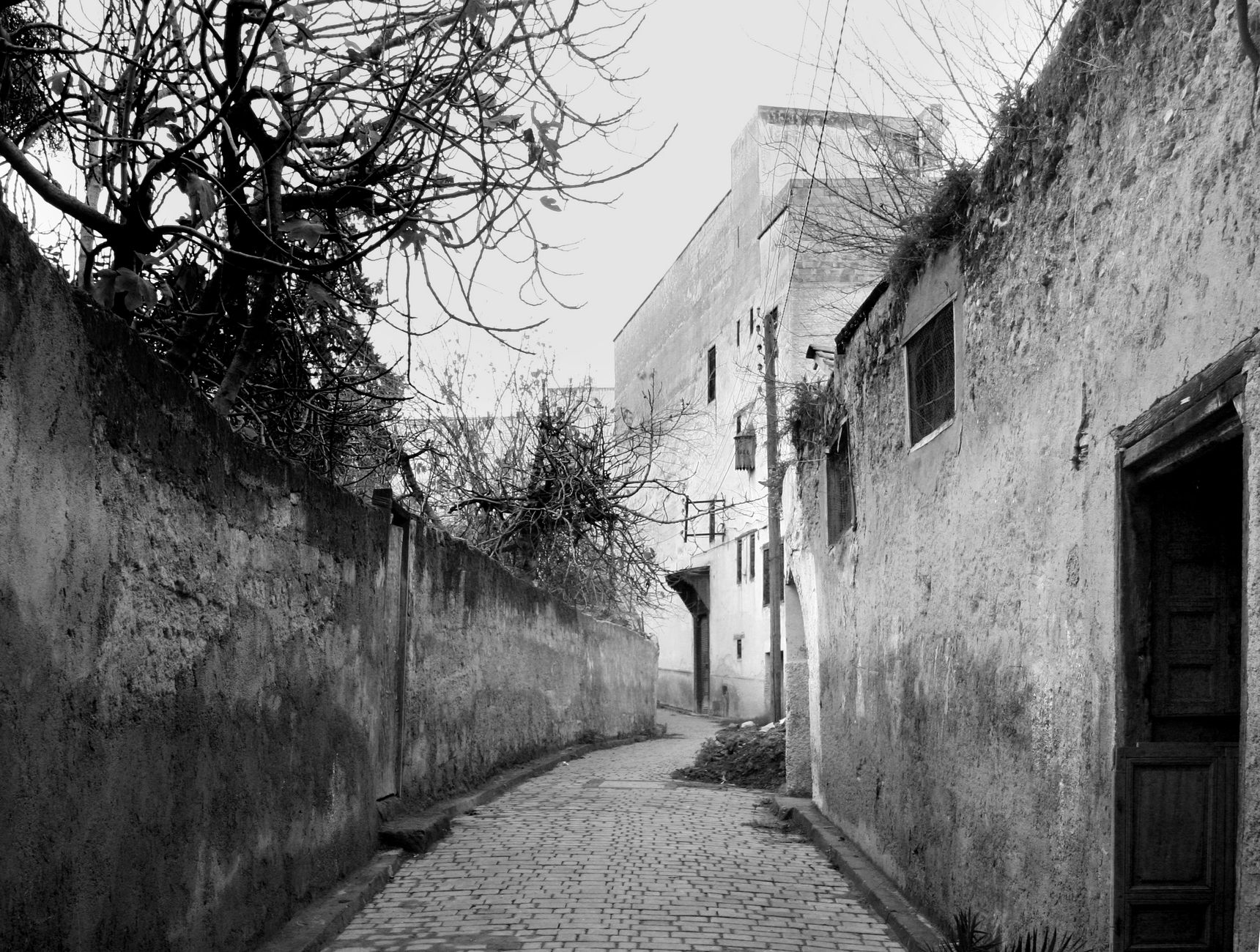
Fes medina, a UNESCO World Heritage site, is a labyrinth of over 9,000 streets. Even locals get lost. And when your phone shows 'No Service', panic sets in. But with the right preparation, you can navigate this ancient maze confidently. This guide covers offline maps, key landmarks, and how a Morocco eSIM provides a safety net when you need it most.
Why Does Your Phone Lose Signal in Fes Medina?
Dense stone walls, narrow alleyways, and thick roofs block cellular signals. Even local carriers like Maroc Telecom, Orange, and Inwi struggle. Your international roaming might work near main squares but fail deep in the souks. It's not your phone; it's physics.
The 'Dead Zones' of Fes
Common dead zones include the Chouara Tannery area, the Andalusian Quarter, and the narrow passages near Al-Attarine Madrasa. Even with a strong local SIM, you'll experience dropouts. That's why offline navigation is essential.
Pre-Download Offline Maps
Before entering the medina, download maps for offline use. Google Maps allows you to save a specific area. Open the app, search for 'Fes', and tap 'Download'. This gives you a detailed map that works without signal.
Best Offline Map Apps
- Google Maps: Download the Fes region for free.
- Maps.me: Highly detailed, works offline, and shows landmarks.
- Organic Maps: Open-source, no ads, and reliable.
Learn the Landmarks
Memorize key monuments. The medina is organized around them. If you know where the Bou Inania Madrasa is, you can orient yourself. Look for minarets, fountains, and specific gates.
Key Landmarks to Remember
- Bab Bou Jeloud: The famous blue gate, main entrance.
- Al-Attarine Madrasa: Near the souk, beautiful architecture.
- Chouara Tannery: The oldest tannery, smell guides you.
- Kairaouine Mosque: One of the oldest universities, non-Muslims can't enter but can view.
- Place R'cif: A large square, good meeting point.
Use the Sun and Shadows
In the northern hemisphere, the sun is south. Shadows point north. This old-school trick helps you maintain direction. Also, medina streets often slope downward towards the river – going downhill usually leads to the main streets.
Ask Locals (Politely)
Moroccans are incredibly friendly. A simple 'Salam' and a smile goes a long way. Most shopkeepers speak French or some English. They can point you in the right direction. Tip: if you buy something, they're even more helpful.
Stay Connected with a Morocco eSIM
Even with offline maps, having a data connection is a lifesaver. A Morocco eSIM from eSIM Maroc gives you unlimited data, so you can use online maps, translate signs, or call a riad via WhatsApp. Coverage is through Maroc Telecom, Orange, and Inwi – the best networks in the country. Check your phone compatibility before you travel.
Why eSIM Beats Roaming
- Instant delivery: QR code by email in 5 minutes.
- Unlimited data: No worrying about data caps.
- No physical SIM: No hunting for a local SIM shop.
- Multi-network: Automatically connects to the strongest signal.
What to Do If You're Truly Lost
If you're completely turned around, find a café with Wi-Fi. Many riads offer free Wi-Fi to visitors. Or, look for a taxi – they know the way. If you have a Morocco eSIM, you can call your riad or use Google Maps live.
Emergency Numbers
- Police: 19
- Ambulance: 15
- Tourist Police: 0520-73-33-44 (Fes)
Conclusion
Navigating Fes medina without signal is doable with offline maps and landmarks. But for peace of mind, a Morocco eSIM ensures you can always get online. With unlimited data and quick setup, it's the smart traveler's choice. Check our coverage and FAQ for more details. Ready to explore? Get your eSIM today and wander with confidence.